· 2 min read
Asher-MCP Has A New AG-UI Based Assistant (Preview)
Chat directly with your financial data using Asher's new AG-UI assistant
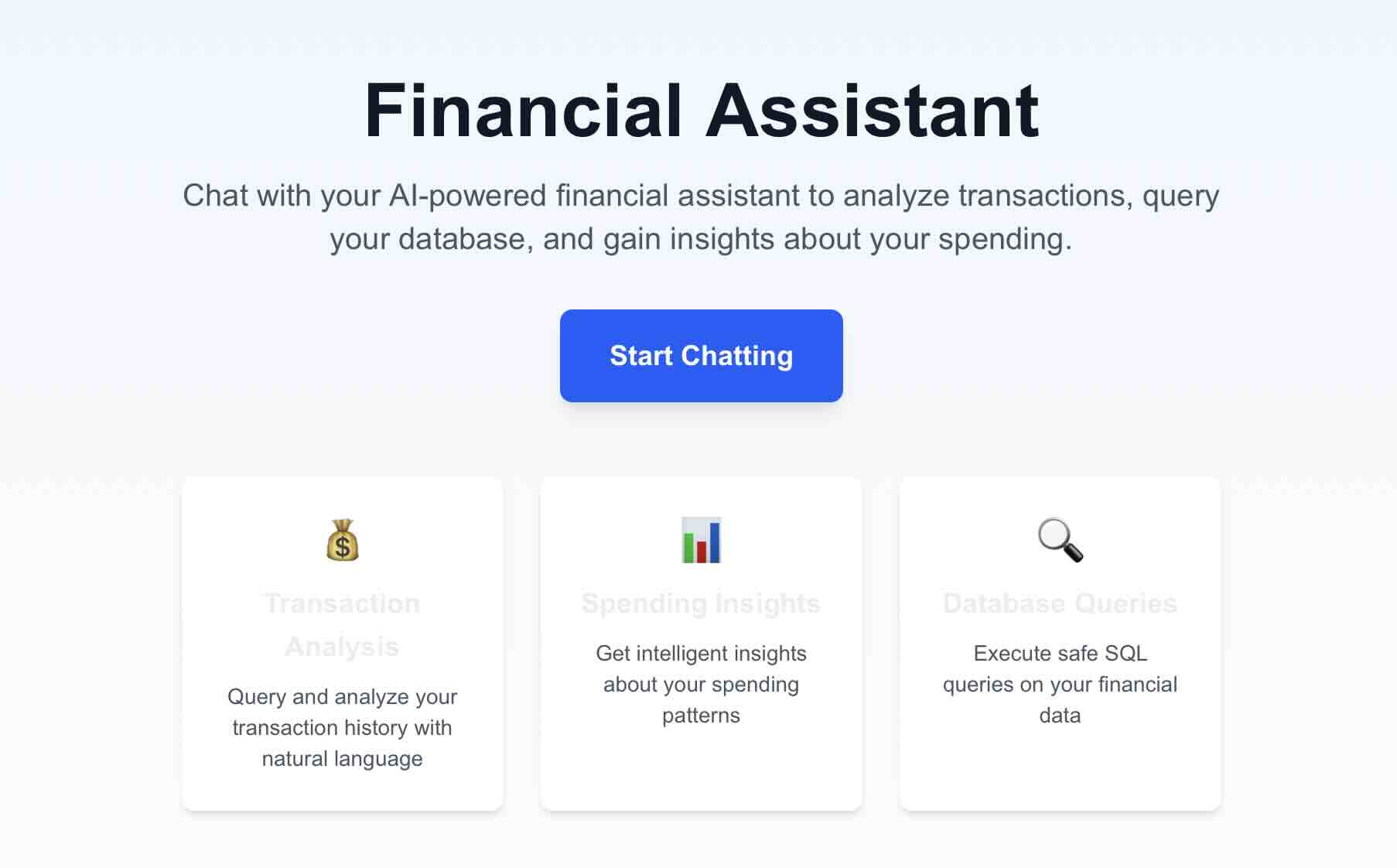
A few months ago, around the hype of the emerging MCP protocol, I wrote about the inception of Asher MCP.
Around that time, two other major protocols have emerged to complement it. If the main idea around MCP is to connect external tools to agents, A2A allowed them to collaborate, and AG-UI to collaborate with the user. Allowing the agent to have a bidirectional communication with the frontend user, whether by rendering outputs directly or invoking client-side actions was the final piece in the puzzle (at least for now).
What is AG-UI?
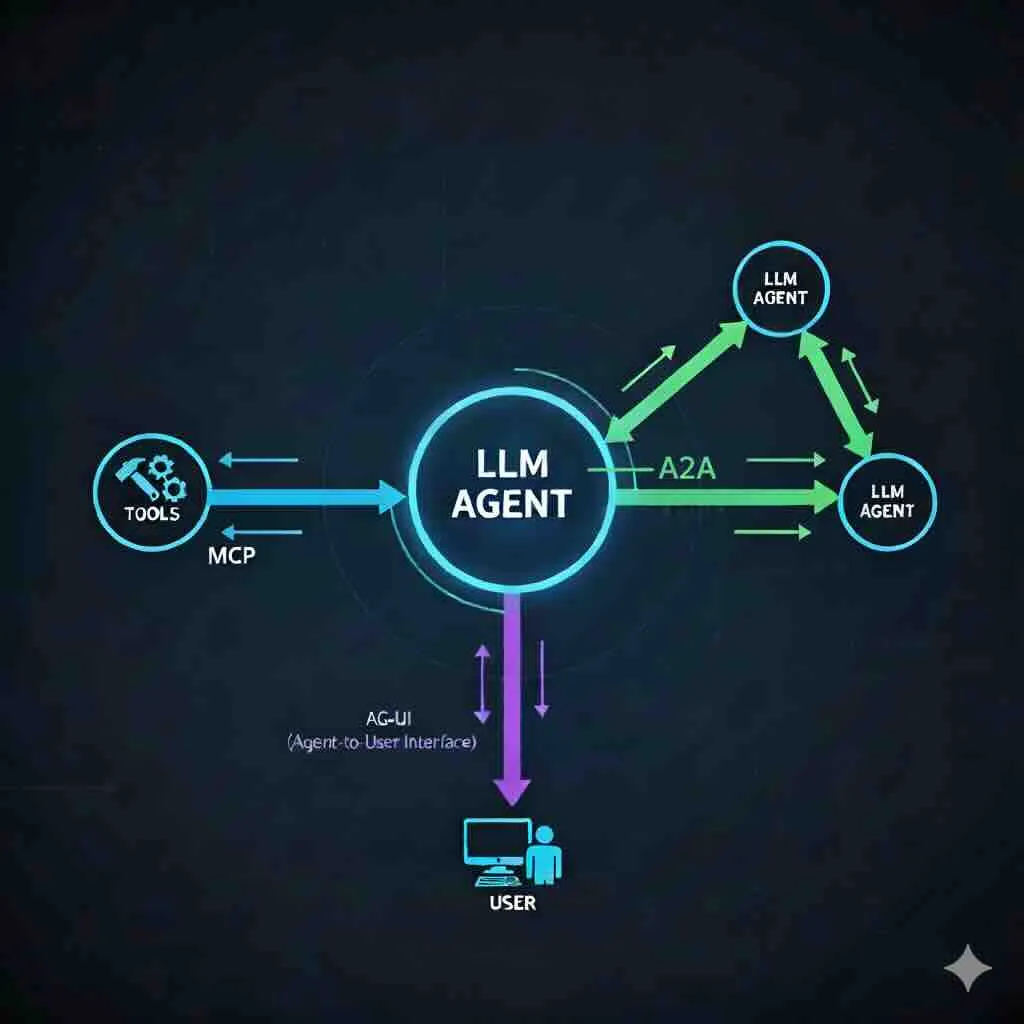
AG-UI is event driven and bidirectional by nature, with 16 different events that correspond to agent lifecycle, text message streaming, tool call, state management and activities. That makes it perfect for building UX that reflects what is going on with your agent. At the same time, it also provides a way for the agent to interact with the frontend, trigger actions and invoke tools.
Since the protocol is made by the team making CopilotKit, AG-UI is a first class citizen in that framework. With many agent frameworks supported, it is definitely a breeze to spin up agentic workflows that manifest generative UI.
Integrating AG-UI with Asher-MCP

To demonstrate that, I augmented Asher-MCP with a small NextJS based chat agent that can interact and answer questions about the scraped transaction data. How cool is that?
Deployment and Configuration
The app is easily deployable on Vercel, out of the box. For the LLM, I used OpenRouter, which by itself is a great service when you want to experiment with different models. Playing around with several models, I opted for gpt-4o which offers a nice balance between smart and consistent utilization of tools, and a reasonable pricing.
Additionally, to avoid complex authentication schemes, you can make sure Deployment Protection is turned on in Vercel, and define a VERCEL_AUTOMATION_BYPASS_SECRET that will allow a seamless interaction with the MCP tools.
All that’s left is to define the VERCEL_AUTOMATION_BYPASS_SECRET and OPENROUTER_API_KEY environment variables for the deployment to work properly.
👉 Go ahead, clone, run and contribute to Asher at: