· 2 min read
White Noise, FFMPEG And How It Connects To Parenting
Producing white noise for Sonos playback
The Problem
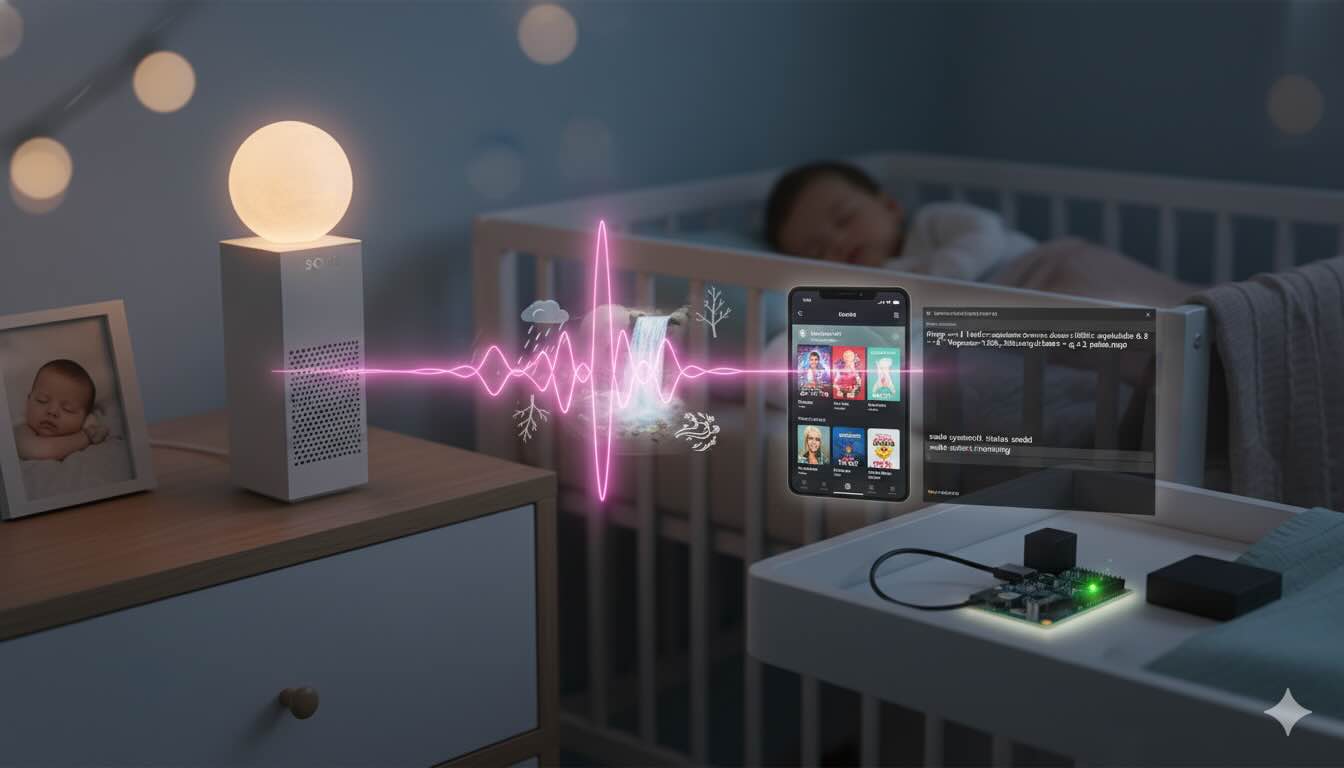
Most parents know that ambient noise is an efficient tool to assist in a baby’s good night sleep. So we found ourselves playing a white noise Spotify playlist through our bedroom’s Sonos speaker all night long. 😂
But having such a utilitarian use case for Spotify is less than ideal, especially if you want to play some real music during the day, as it won’t allow parallel playbacks on the same profile. How annoying is it to start your car and have your phone automatically connect to Bluetooth and start playing - leaving your ambient-noise-playing-Sonos paused.
Another issue arises from tracks that aren’t long, because Sonos playback doesn’t let you customize the crossfade duration. Not to mention that it messes with your song playback statistics and history.
The Solution
So I thought to myself, why not generate some white noise with FFMPEG? Technically speaking, we’re talking about a family of ambient noises, where the one that sounds the most soothing is actually “Brown Noise”. While classic white noise distributes equal energy at all frequencies (like how white color contains all frequencies), brown noise (also called Brownian or red noise) emphasizes low frequencies (more than “pink” noise). It has a deep, rumbling quality like thunder, a strong waterfall, or the roar of an airplane cabin. Many people find it very soothing and it can help mask more sounds due to its bass-heavy character.
Since Sonos supports playback over SMB shares, we could produce our brown noise, host it on something like a Raspberry Pi and free our Spotify account for actual listening.
While we’re at it, we could also add some children’s songs like in the good old mp3 playback days. This way, we avoid getting those songs recommended by the Spotify algorithm instead of what you usually listen to. Hey, if you like listening to Old McDonald Had A Farm during a coding session, I won’t judge you.
Implementation Steps
- Produce Brown Noise:
ffmpeg -f lavfi -i anoisesrc=color=brown:duration=1800:amplitude=0.6 -af "lowpass=f=300,bass=g=3" -c:a libmp3lame -q:a 2 brown_noise_30min.mp3Put the mp3 in your Raspberry Pi somewhere (
/home/pi/Music)Install & Configure Samba:
sudo apt update
sudo apt install -y samba samba-common-bin
Append this block to /etc/samba/smb.conf:
[Music]
path = /home/pi/Music
browseable = yes
read only = yes
guest ok = yes- Restart Samba and confirm it’s running:
sudo systemctl restart smbd
sudo systemctl status smbd
Now add the SMB share to Sonos (Settings -> Music Library -> Add Shared Folder):\\<Raspberry PI IP goes here>\Music
Have fun!